Migration from WordPress to Hugo
I will show you a fast and easy migration path from WordPress to Hugo:
Use the Hugo Quick start to create your first Hugo project.
Export everything from WordPress:
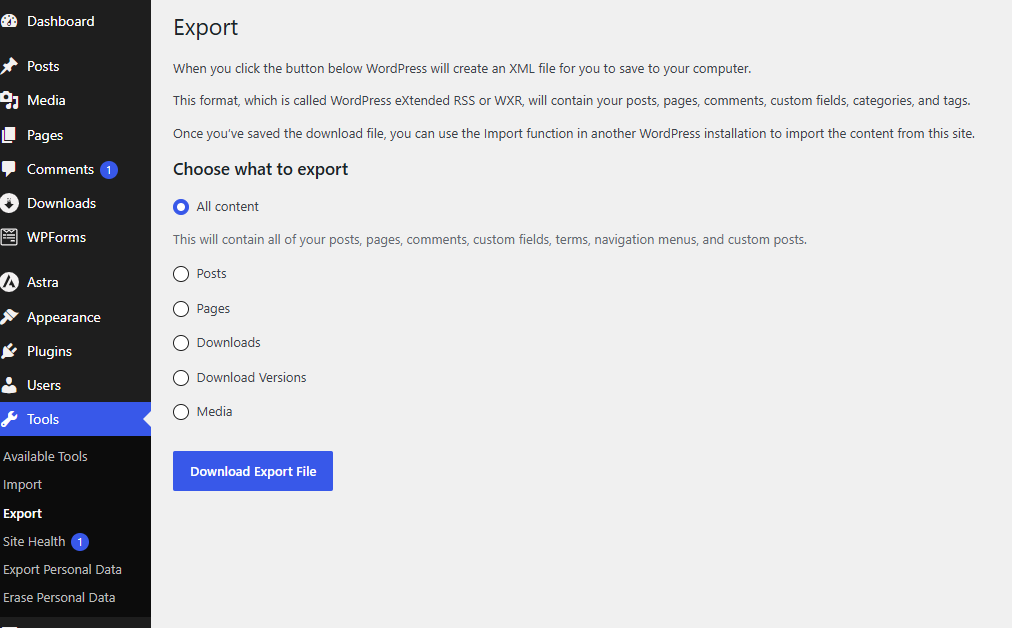
You should get something like domaintld.WordPress.YYYY-MM-DD.xml. With this file you can use lonekorean/wordpress-export-to-markdown.
I’ve installed this one on my local machine:
|
|
Now you can convert WordPress to Markdown und download all images:
|
|
You should get something like this:
-
-
-
-
- index.md
-
- index.md
-
-
-
- index.md
-
- index.md
-
-
Those index.mds are your posts. They are already formatted. You can copy them to your Hugo project folder.
If you like to, you can rename the index.mds based on the post name. IMHO it is the cleaner option:
|
|
Move them to content/blog and start the hugo server. Now you should see a first impression of your new homepage build with Hugo. From here on you can tweak your appearance.
E.g. placing your homepage directly under / in content/blog/_index.md (notice the _):
|
|
Adding a menu in hugo.toml:
|
|